Collaborate, seamlessly.
Your team, client, auditor, and reviewer work in the same workspace, with the same numbers, tags, and findings.













How teams review together in Doc2iXBRL
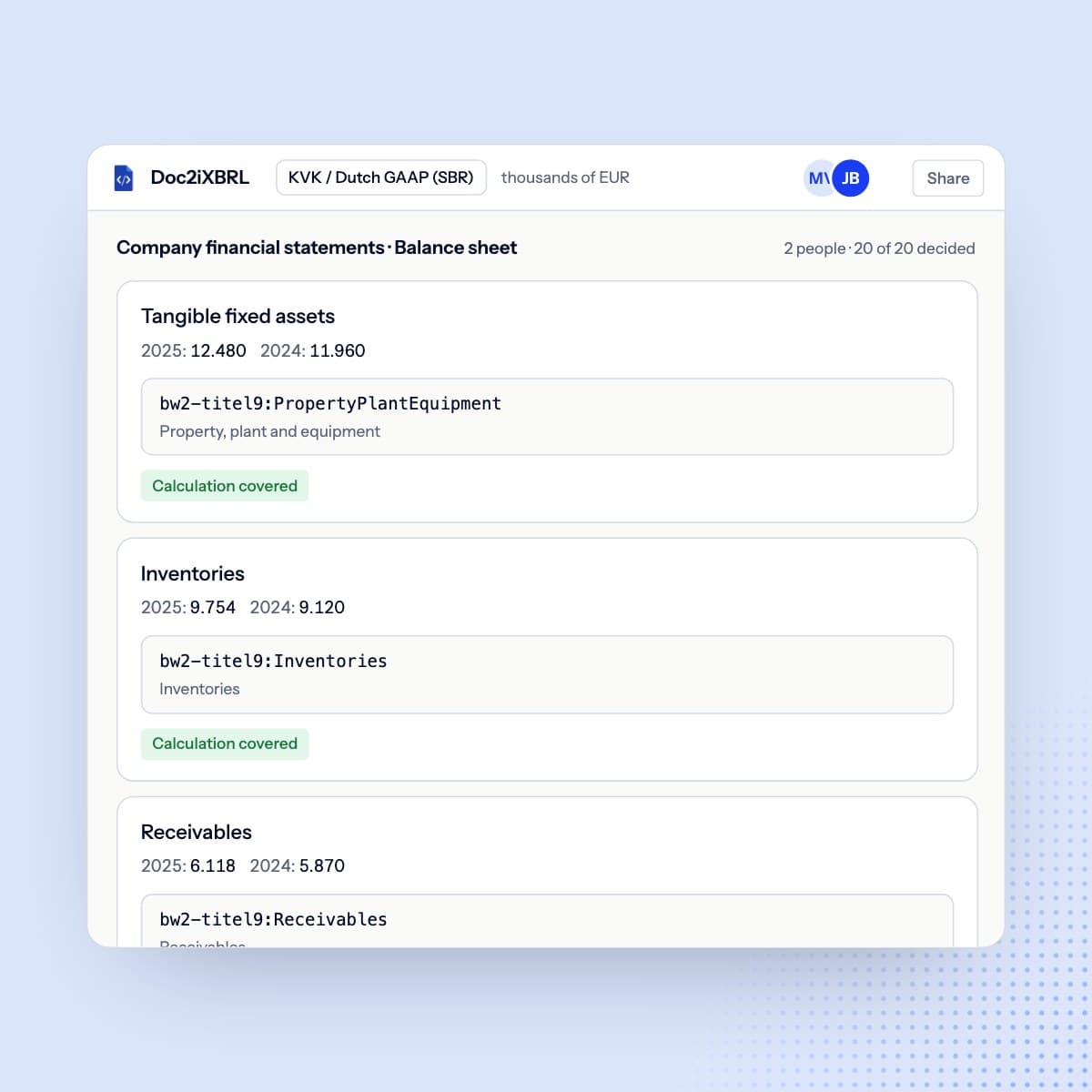
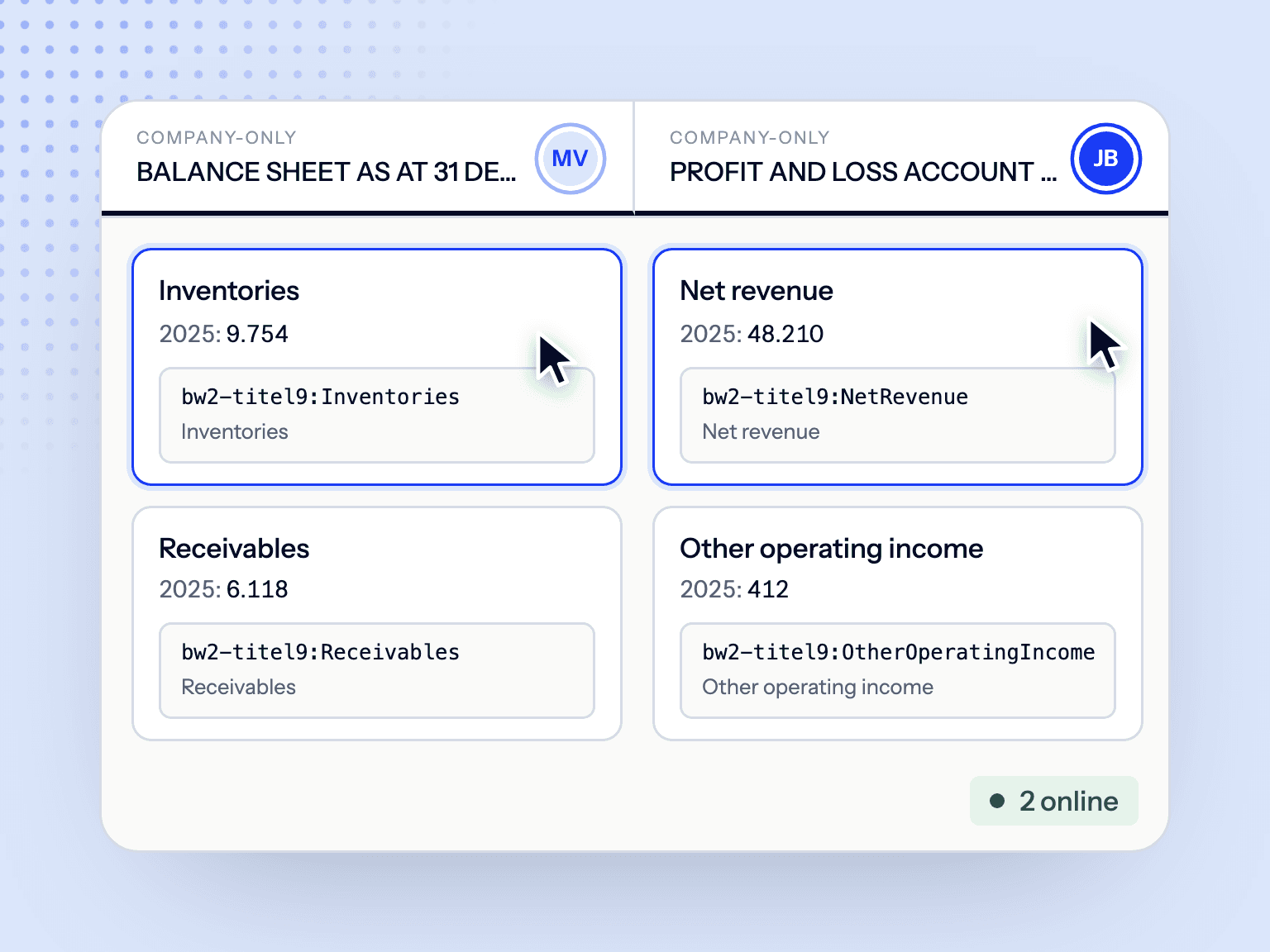
Work in parallel
Tag different statements at the same time. See who’s working where, with changes appearing live.
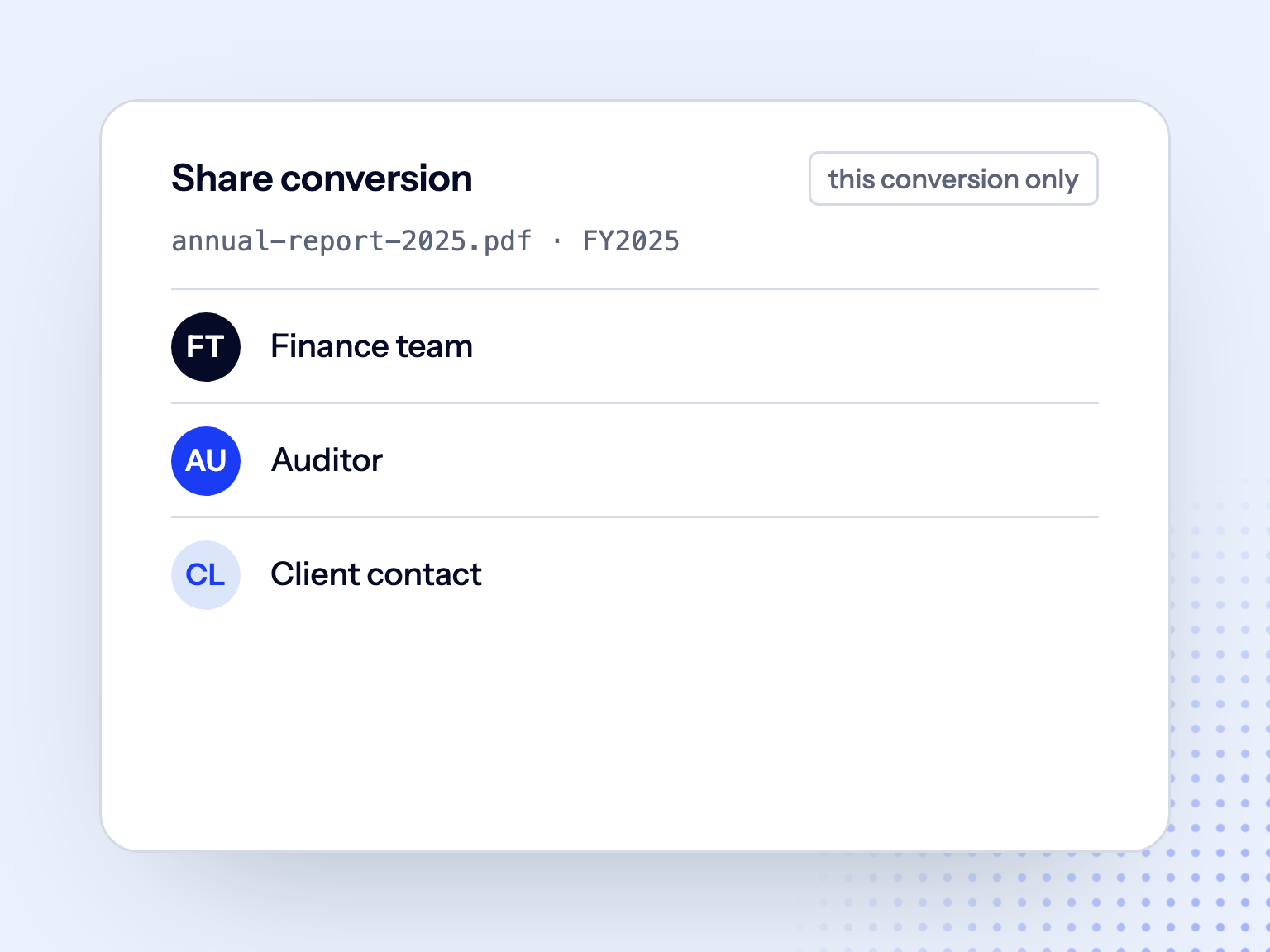
Invite collaborators
Auditors get access per conversion, with or without download rights; colleagues in your workspace can be added to any conversion.
Settle questions on the line item
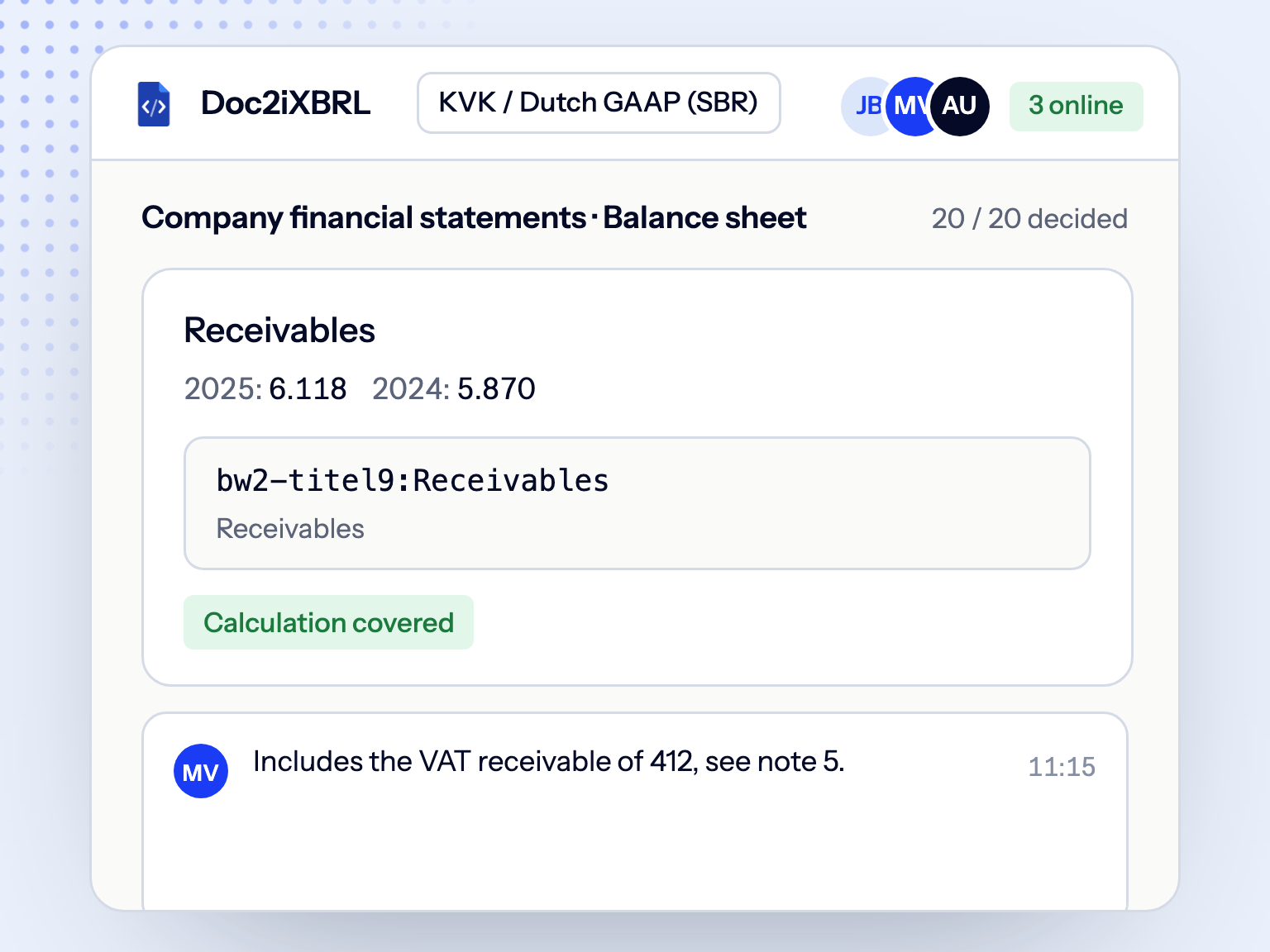
Ask questions where the tagging decision is made. Your note stays on the line item for the next reviewer. No separate files or email threads.
Collaboration with built-in governance
Financial reports are sensitive and high-stakes. Control who can access each conversion and what they can do, with roles, notes, and checks recorded throughout the review.
- 01
Work in parallel
Tag different statements at the same time. See who’s working where, with changes appearing live.
- 02
Invite collaborators
Auditors get access per conversion, with or without download rights; colleagues in your workspace can be added to any conversion.
- 03
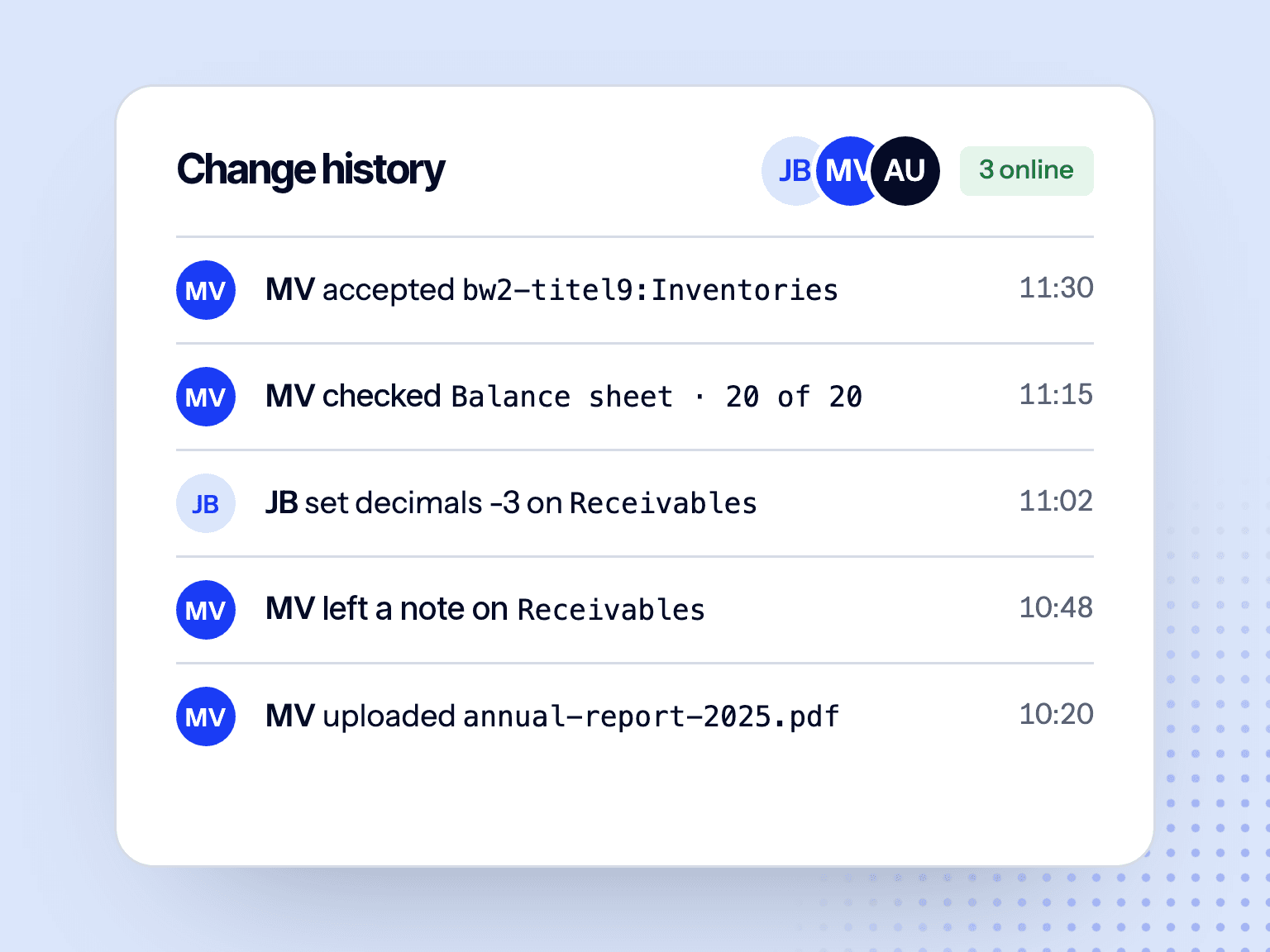
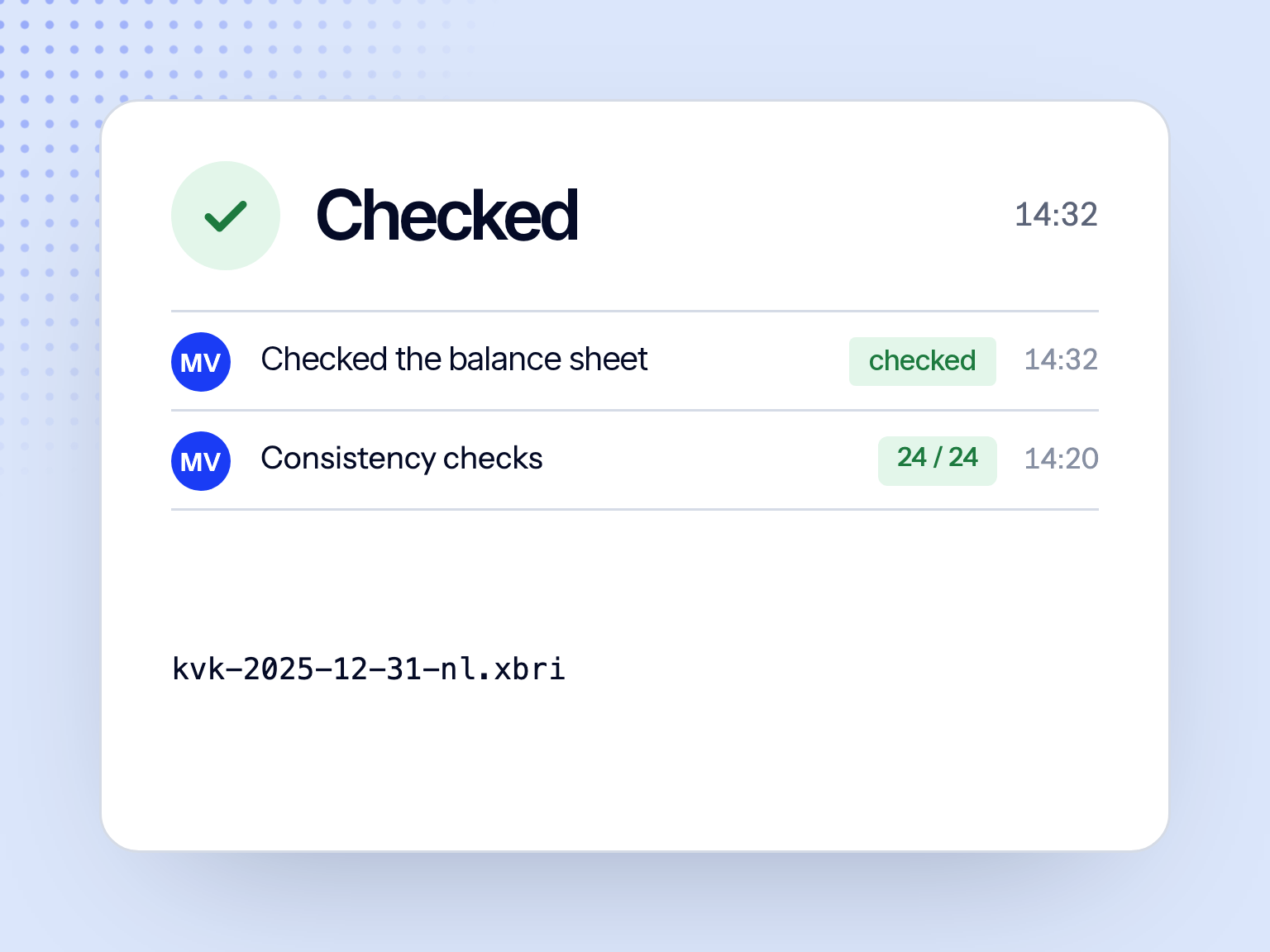
Change history
Notes stay with each line item, and checks are recorded in place.
- 04
Settle questions on the line item
Ask questions where the tagging decision is made. Your note stays on the line item for the next reviewer. No separate files or email threads.
- 05
Collaboration with built-in governance
Financial reports are sensitive and high-stakes. Control who can access each conversion and what they can do, with roles, notes, and checks recorded throughout the review.
Every team moves faster with Doc2iXBRL
 Explore accounting & audit
Accounting & audit firms
Handle more client filings while spending less time on iXBRL. Automate tagging, review suggestions, validate for filing issues, and reuse prior work.
Explore accounting & audit
 Explore in-house
In-house finance
Keep iXBRL within your team. Convert the annual report to iXBRL yourself, stay in control throughout, and bring auditors in when it's time for review.
Explore in-house
Collaboration FAQs
Colleagues, the reviewer or finance lead, the auditor and client contacts. Access is set per conversion: a workspace member you share it with can edit, an auditor can view, or view and download.