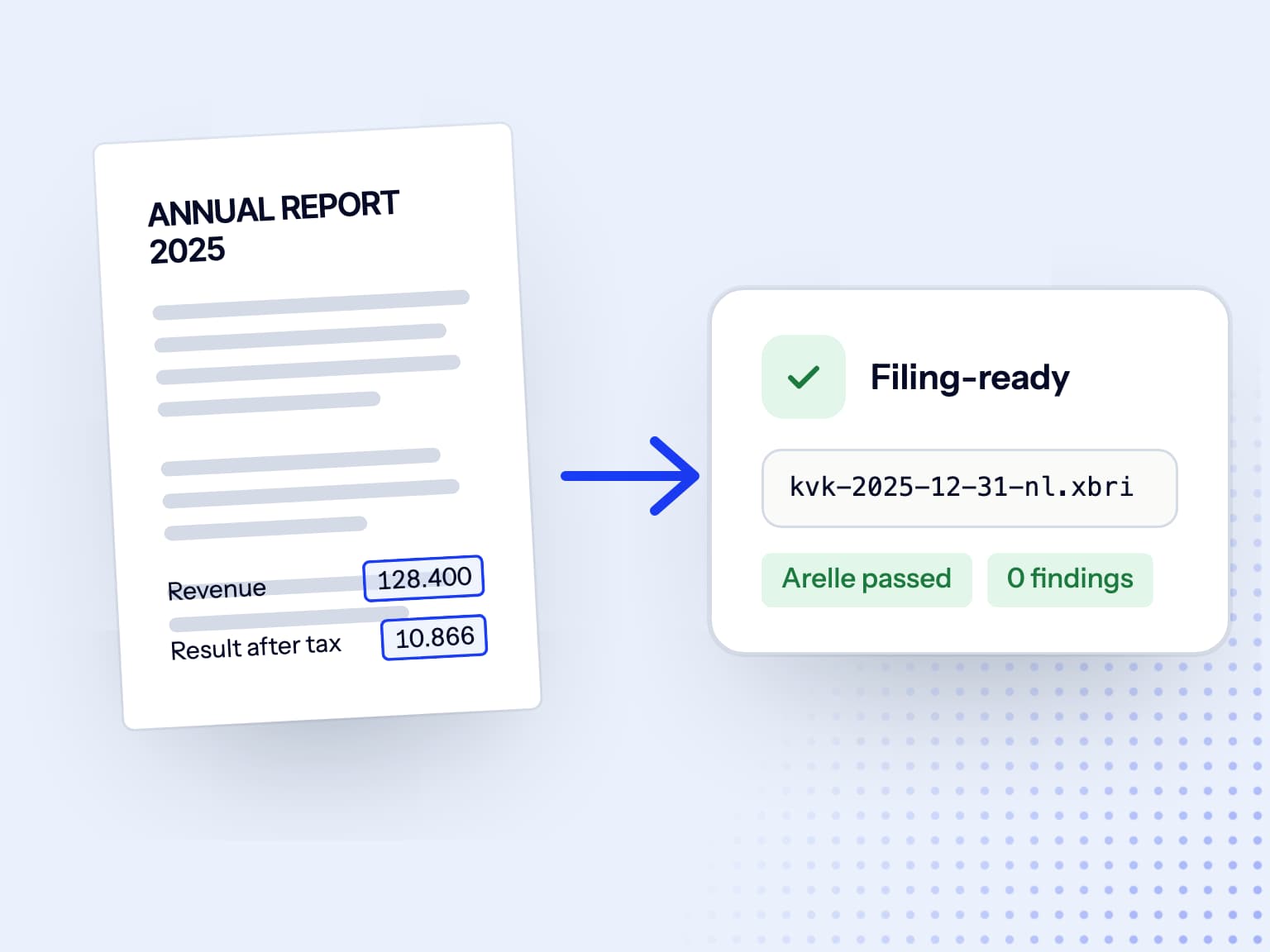
Upload the PDF. Get the same report back as iXBRL.
Drop in the report you approved. Doc2iXBRL does the heavy lifting and returns an iXBRL package that looks like it: a native PDF keeps your design, your fonts, your pasted screenshots; a scanned PDF is shown as page images.
Trusted by finance and filing teams













iXBRL conversion in your own hands
Start with the file you have
PDF, scanned PDF, or Word documents. Upload the financial report in the format you already have and start converting it to iXBRL.
Native or scanned
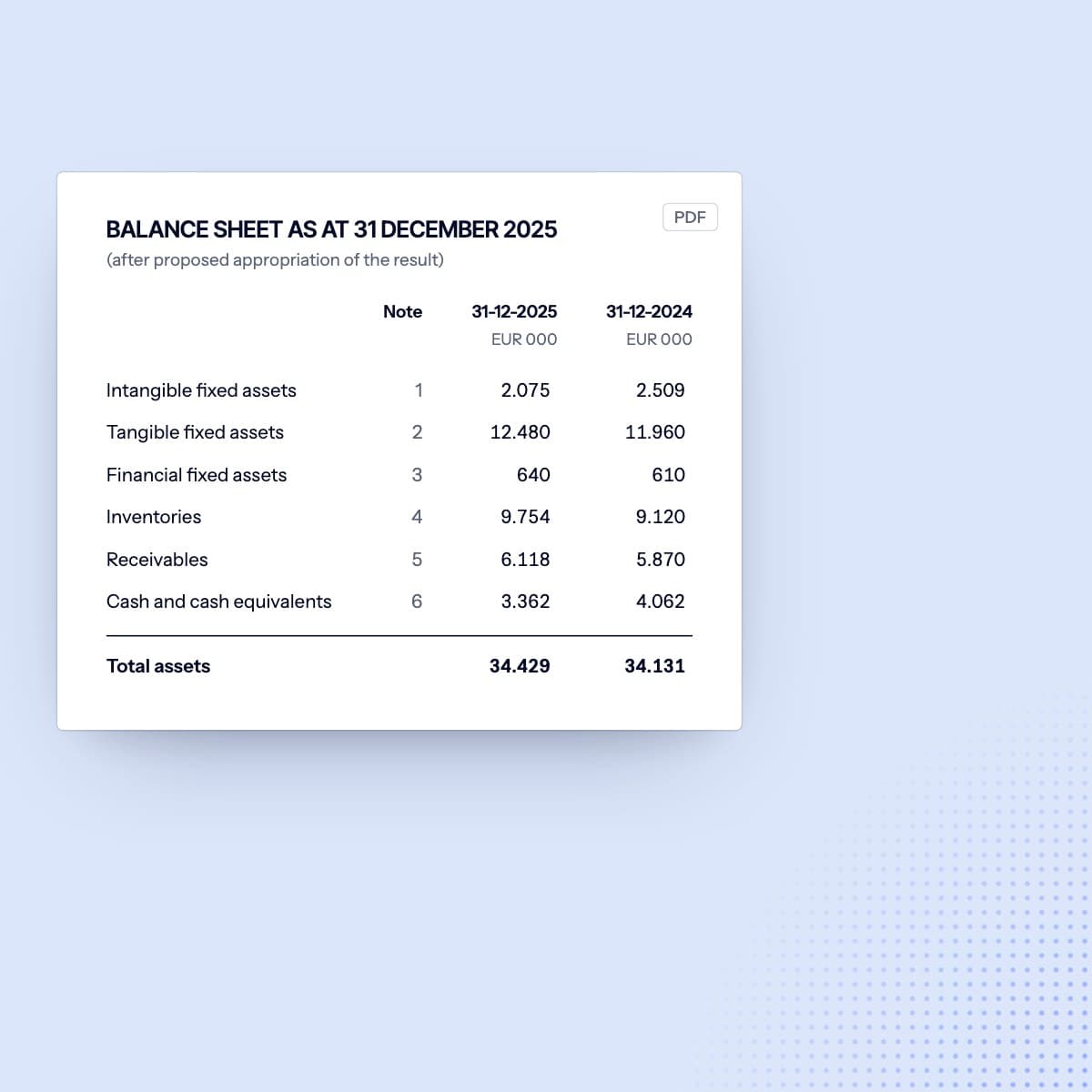
Use digital documents, scans, or tables pasted in as images.
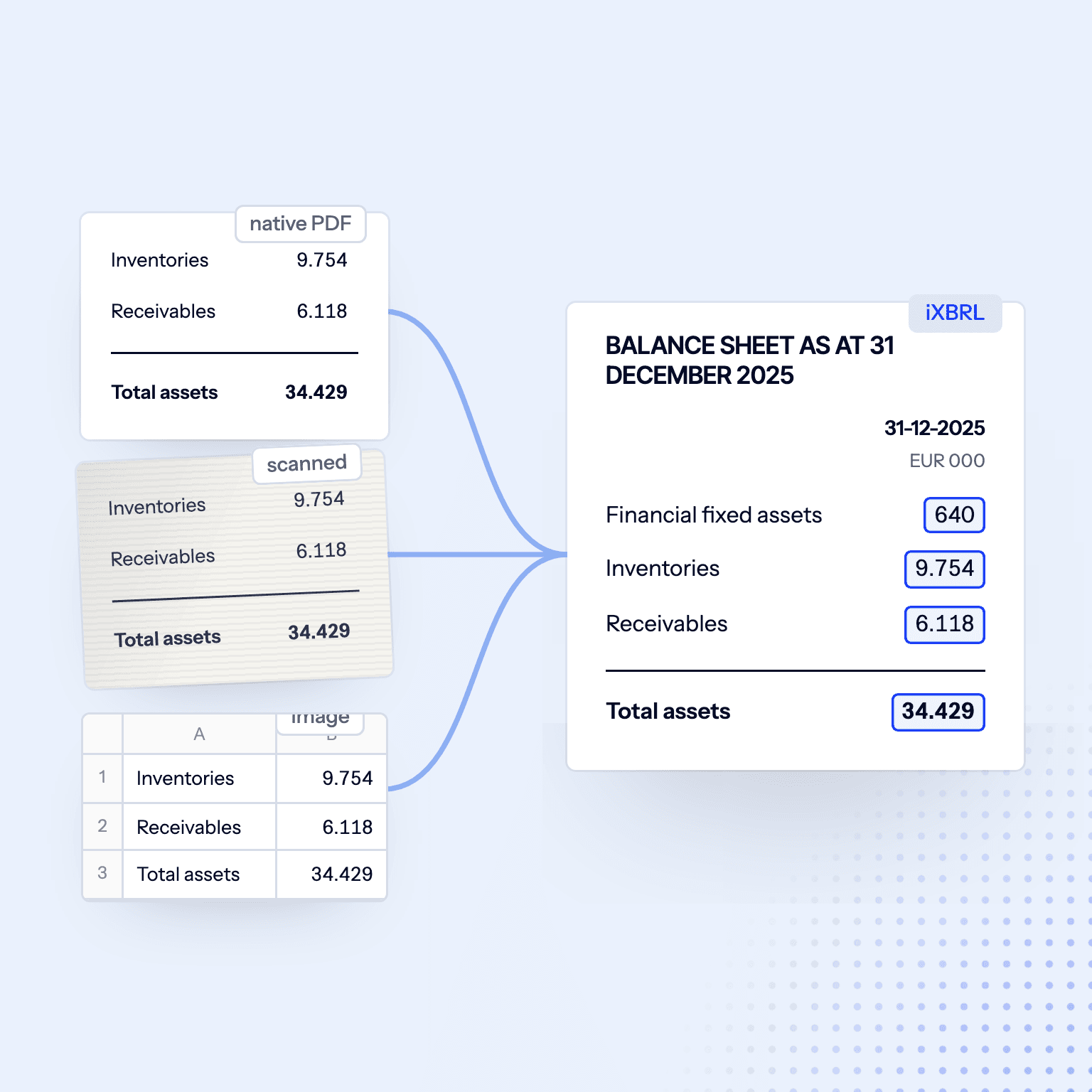
Same report. Now machine-readable
Designed pages, outlined text, or tables pasted in as images. The platform reads the annual report as it is and structures it for iXBRL.
Structured automatically
Create iXBRL even from complex, unstructured reports.
Original design
Keep the approved layout and design in the iXBRL report.
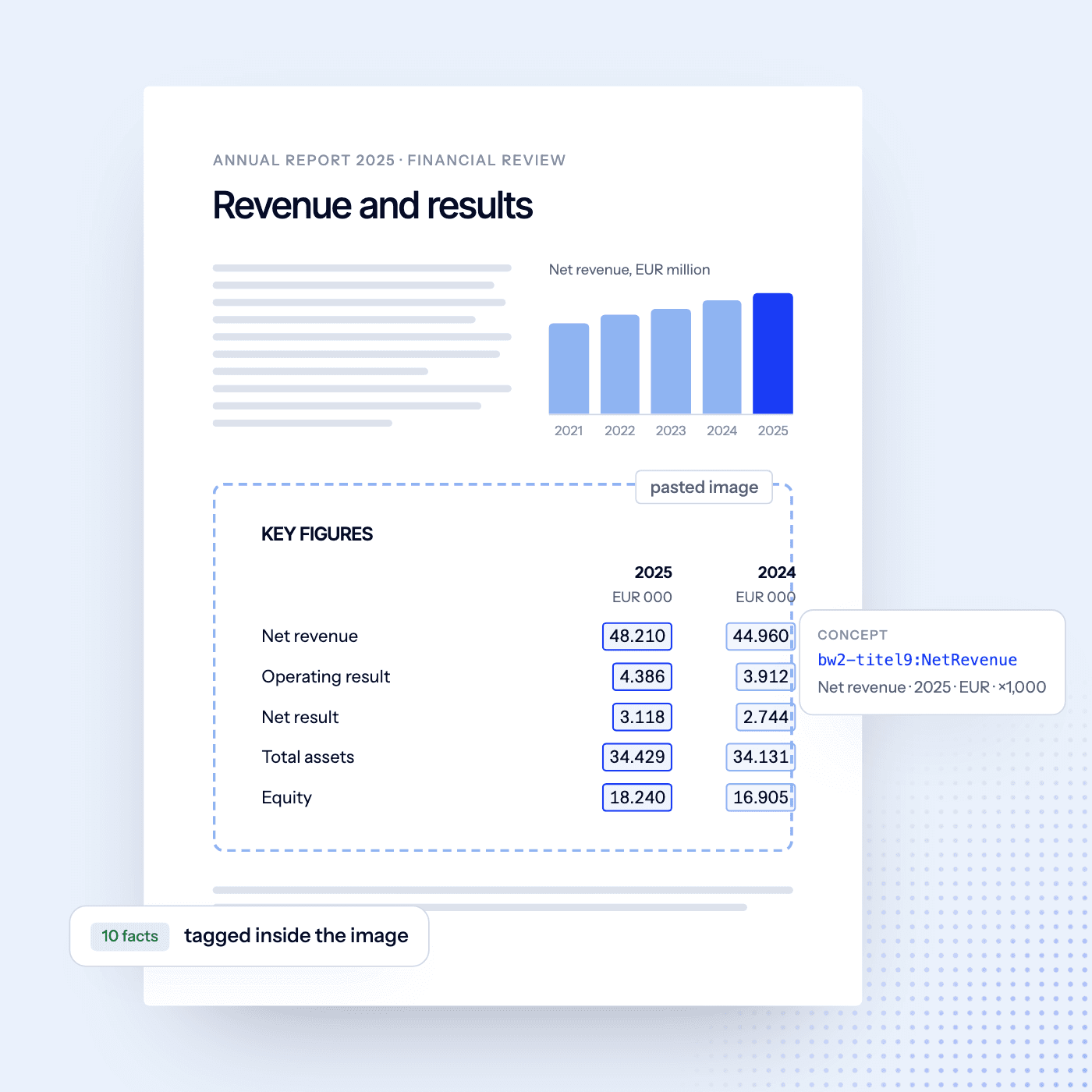
Automated tagging
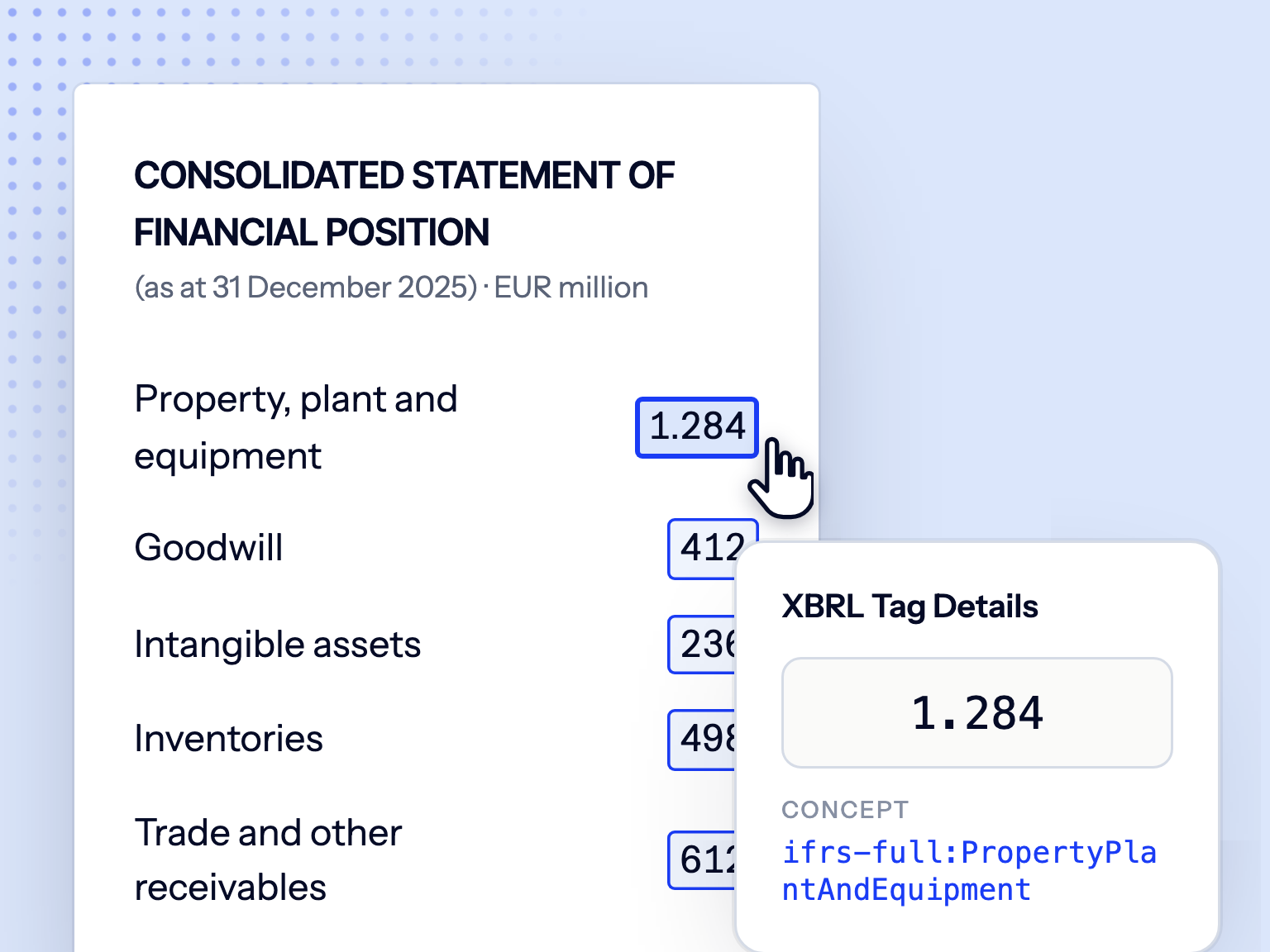
Doc2iXBRL analyzes the full financial report and prepares tags for your chosen taxonomy. Review suggestions, edit or accept them, and run validation checks before filing.
Full control
Edit any concept, period, dimension, or units.
Validation
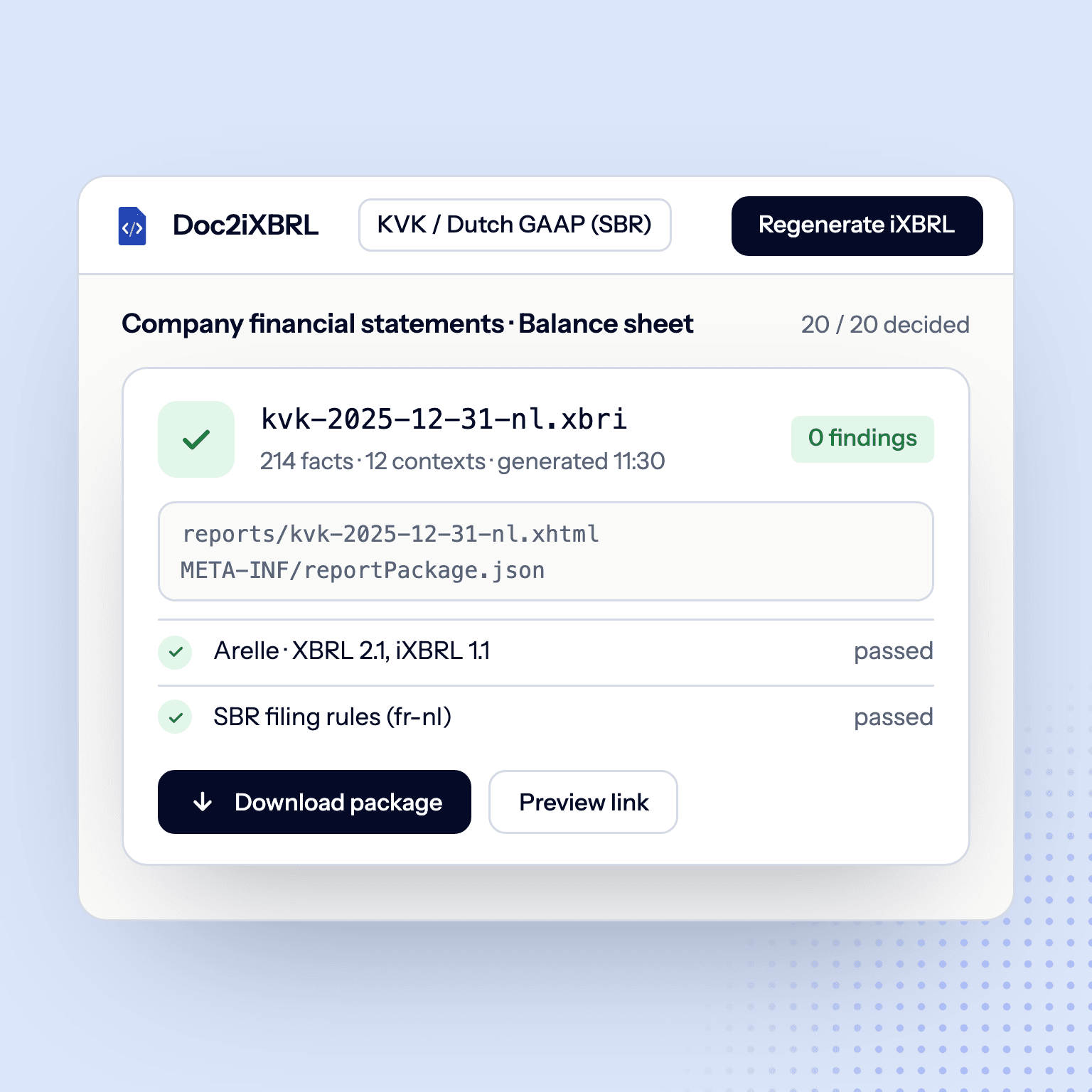
Find filing-rule issues with Arelle and built-in checks.
AI assistant
Ask about tags, validation issues, or anything in the report.

Generate iXBRL for filing
Export your iXBRL package for KVK or ESEF reporting. Ready for final review, audit, or submission.
Dutch and IFRS taxonomies
NL taxonomy and IFRS
iXBRL converter FAQs
Native PDFs, scanned PDFs and Word files, including designer layouts with outlined text and tables pasted in as images.